
Someone on r/BuyItForLife posted a photo of their Microsoft IntelliMouse Optical last week. It got 3,938 upvotes. The post title: “25 Years and Still Used Daily.” The mouse is from 1999. If you’re looking for a buy-it-for-life computer mouse — something you buy once and forget about for two decades — that story is your north star.
Scroll wheel still works. Clicks still register. The owner’s caption: “This may just be one of the best hardware products Microsoft ever released… I’m crossing my fingers I get another 25 years out of her.”
Most mice don’t last three years. The cheap scroll wheel encoder goes first. Then a left-click starts double-clicking when you single-click. Then the cable frays at the strain relief. You go to Amazon, buy another $20 mouse, do the whole setup again. Repeat six times over 20 years, spend $150, never think about it until you’re frustrated mid-project.
The good news: the mice worth buying are genuinely excellent right now, and some of them will outlast most of the furniture in your office.
Why Mice Fail (And What Actually Matters)
Before the picks, you need to know what breaks.
Click switches. These are the microswitches under your left and right buttons. Cheap mice use Huano or Kailh switches rated for 5–8 million clicks. BIFL mice use Omron D2FC-F-7N switches rated for 10 million clicks. At 200 clicks per hour across 6 hours a day, you’ll hit 10 million clicks in about 23 years on an Omron — or 11 years on the budget version. This is the single most important spec almost nobody mentions when buying a mouse.
Scroll wheel encoders. The mechanical encoder inside your scroll wheel wears out. When it starts misfiring — scrolling down when you scroll up — the mouse is done. One exception: Logitech’s MagSpeed electromagnetic scroll wheel uses magnets instead of a mechanical encoder. There’s nothing to wear out.
Cables. Cheap rubber cables harden and crack. BIFL mice use braided cables with proper strain relief, or they’re wireless. Wireless eliminates cable failure entirely — but introduces battery dependence and dongle loss risk, which are real failure modes.
Scroll wheel rubber coating. The grippy coating on cheap scroll wheels turns to sticky, flaking gunk within 3–5 years. Knurled metal wheels don’t do this. If a mouse’s scroll wheel has rubber coating rather than a knurled or bare metal surface, skip it for BIFL purposes.
The BIFL Mouse Framework
Quick checklist for evaluating any mouse for long-term use:
- Omron switches (or better) — look for 10M+ click ratings on the product page or spec sheet
- Wired or USB-C wireless — Micro-USB charging is already obsolete; proprietary-only dongles are a liability
- Electromagnetic or metal scroll wheel — eliminates the most common single-point failure
- 2-year+ warranty — Logitech’s MX series carries 2 years; budget mice often carry 1 year or nothing
- Bluetooth backup — if wireless, Bluetooth as a secondary connection means a lost dongle doesn’t end the mouse’s life
The Legend: Microsoft IntelliMouse Classic (~$29–40)
The original 1999 IntelliMouse Optical changed personal computing. Before it, people used rubber ball mice that collected lint and needed constant cleaning. The IntelliMouse used an optical sensor — no moving parts in the tracking mechanism, nothing to clog. The shape was right. The switches lasted. People bought them and used them for two decades without thinking about it.
In 2017, Microsoft released the Classic IntelliMouse as a tribute to the original — same shape, Omron switches, updated 3,200 DPI optical sensor. It’s been discontinued since around 2020, but new-old-stock units still show up on Amazon for $29–40, and the secondhand market has clean used originals for $5–20 that still work perfectly. (The 3,938-upvote post is literally about one of those.)
If you find one new-in-box at a reasonable price, buy it. If you want something you can reliably reorder in five years, the MX Master 3S below is the modern answer.
→ Microsoft Classic IntelliMouse on Amazon
Best for Most People: Logitech MX Master 3S (~$79–99)
If you’re buying one mouse for the next 15 years, this is it.
The MX Master 3S has Logitech’s MagSpeed electromagnetic scroll wheel — no mechanical encoder, so the most common mouse failure mode is simply absent. It charges via USB-C. Battery life is 70 days per charge. The sensor runs at 8,000 DPI, which is more than anyone needs for office work but signals the build quality underneath. Easy-Switch lets you pair it to three devices and toggle between them with a button — if you replace your laptop in 2031, the mouse just follows you over.
Logitech backs the MX series with a 2-year warranty. The MX Master 3S is repairable — iFixit has teardown guides, Logitech sells spare parts for MX series mice, and the community has detailed repair threads going back years. This is not a disposable product.
MSRP is $99. It’s regularly $79–85 on sale. Either price is a good deal if you’re replacing it once in 15 years instead of ten times.
One actual downside: right-handed design only. Left-handers need a different pick (the Kensington Expert Mouse below is fully ambidextrous).
→ Logitech MX Master 3S on Amazon
Best Wired: Logitech G502 HERO (~$39–59)
Wired mice have one structural advantage over wireless: nothing to recharge, nothing to lose, no battery gradually degrading over years. The G502 HERO has been Logitech’s benchmark wired mouse since 2014 — that’s over a decade of refinement on a single design.
HERO 25K sensor. Five Omron switches across the main buttons. Adjustable brass weight system — you can tune the feel from 121g to 135g. Braided cable, not bare rubber. The scroll wheel uses dual-mode (ratchet and free-spin), which is one of the better wheel designs in its price class even if it uses a mechanical encoder.
At $39–59, the cost math is brutal in a good way: buy three over 30 years and you’ve still spent less than one mid-range wireless mouse. The r/BuyItForLife and r/MouseReview communities have G502 units from 2015–2017 still running daily in 2026.
→ Logitech G502 HERO on Amazon
Trackballs: The Underrated BIFL Argument
Trackballs flip the failure model. The mouse doesn’t move — you move the ball with your fingers or thumb, and the cursor follows. No tracking surface wear. No cable drag. No movement mechanics at all. The optical sensor that reads the ball barely stresses compared to a traditional mouse sensor reading a textured pad at high speed.
People who switch to trackballs tend to stay. And their hardware tends to outlast their traditional mice significantly.
Best Budget Trackball: Logitech ERGO M575 (~$39–49)
The M575 replaced the M570, which had a loyal BIFL following for over a decade. Right-handed with thumb-operated ball, wireless (USB nano receiver or Bluetooth), and the AA battery lasts up to 24 months. Nearly two years between battery changes.
The ball is the same size as the old M570’s, so aftermarket replacement balls from the M570 community work with the M575. The scroll wheel uses a standard mechanical encoder — the weakest link — but at $39–49 it’s priced for eventual replacement rather than forever ownership. Start here if you’re trackball-curious and don’t want to commit $85 to an experiment.
→ Logitech ERGO M575 on Amazon
Best BIFL Trackball: Kensington Expert Mouse Wired Trackball (~$80–100)
This is the serious answer.
The Kensington Expert Mouse has been essentially the same design for 25+ years. Kensington still sells replacement balls and accessories for units made in the 1990s. That parts availability is extremely unusual in consumer electronics — it’s closer to what Victorinox does for Swiss Army Knives or Zippo does for lighters. Brands that truly support their products long-term are rare, and Kensington is one of them.
The ball is 55mm — large enough for smooth, precise motion without strain. Instead of a scroll wheel, the Expert Mouse has an aluminum scroll ring that circles the ball. You rotate the ring with a finger to scroll. That ring is more durable than any mechanical encoder because it uses optical detection rather than a contact-based mechanism.
Four programmable buttons. Fully ambidextrous. USB wired — no dongle to lose, no battery to charge. It’s used in medical imaging suites, architectural CAD workstations, and legal offices for decades. These are environments where “my mouse broke” isn’t an acceptable interruption.
If you want the mouse equivalent of a cast iron pan — something that works indefinitely with zero maintenance anxiety — the Kensington Expert Mouse is it. Try the M575 first ($39) if you’re not sure trackballs are for you. If you know you want one, skip the budget step and buy this.
→ Kensington Expert Mouse Wired Trackball on Amazon
The 20-Year Cost Math
| Option | Approx. 20-Year Cost | Notes |
|---|---|---|
| $15 mouse, replace every 2 years | $150+ | Plus 10 setup cycles, driver reinstalls, frustration |
| Logitech G502 HERO ($49) | $50–75 | One replacement max; parts available |
| Logitech MX Master 3S ($89) | $90–130 | Possibly one replacement; electromagnetic scroll |
| Kensington Expert Mouse Wired ($85) | $85 | No consumables; same design for 25+ years |
The cheap mouse costs more over a decade when you count setup time and the fact that you’ll be in replacement mode every 18–24 months. The $85 Kensington is quite literally the cheapest option over 20 years if the design holds — and it’s been holding since the 1990s.
What to Skip
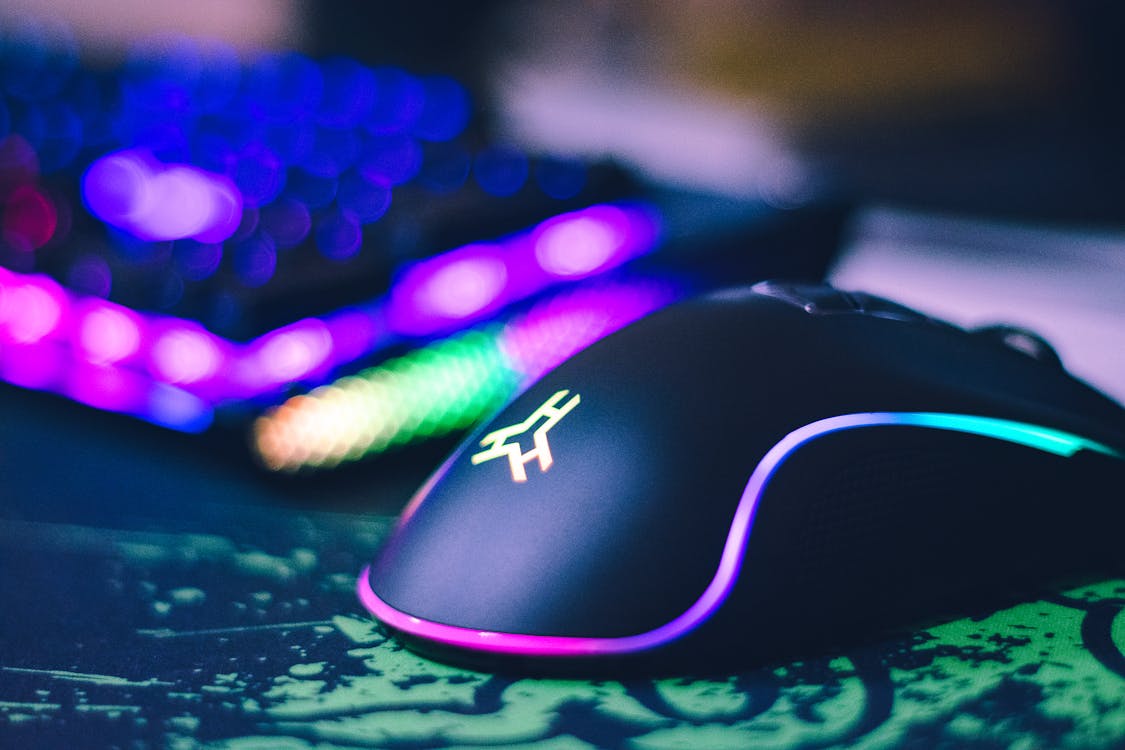
RGB gaming mice under $30. The switches might be Omron, but cable quality, scroll encoders, and plastic tolerances are usually compromised to hit the price point. The lights don’t make the mouse faster; they drain the firmware resources that could go to better sensor performance.
Apple Magic Mouse. It charges on the bottom. You cannot use it while charging. That design choice disqualifies it from any BIFL conversation, full stop.
Any wireless mouse with a proprietary-only dongle and no Bluetooth backup. Lose the dongle, lose the mouse. This happens. If the wireless mouse you’re eyeing doesn’t also support Bluetooth, factor that into the risk calculation.
Any mouse with a rubberized scroll wheel coating. Run your finger across the wheel before buying if you can test it in a store. Sticky rubber coating after three years is one of the most unpleasant gradual failures in consumer electronics.
The Bottom Line
A mouse from 1999 going viral with 3,938 upvotes for still working in 2026 is the r/BuyItForLife thesis in a single image. Simple hardware, built without shortcuts, lasts.
The Kensington Expert Mouse is the closest modern equivalent — the same design for 25 years, parts still available, runs until something more fundamental fails. The Logitech MX Master 3S is the best buy for most people who want wireless and the peace of mind of an electromagnetic scroll wheel. The G502 HERO is the honest wired answer if you want to spend $49 and be done with it.
Spend $50–100 once. Stop thinking about your mouse for 20 years.
More BIFL picks: the 10 best Amazon products that are truly buy-it-for-life, brands with lifetime warranties that actually honor them, and the best BIFL backpacks at every price point.
Sources: Logitech MX Master 3S product specs, Kensington Expert Mouse product page.